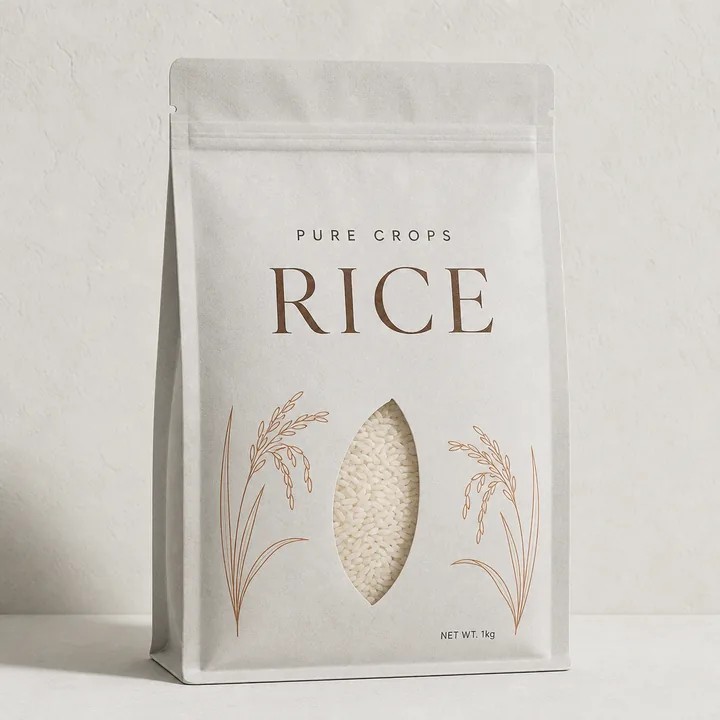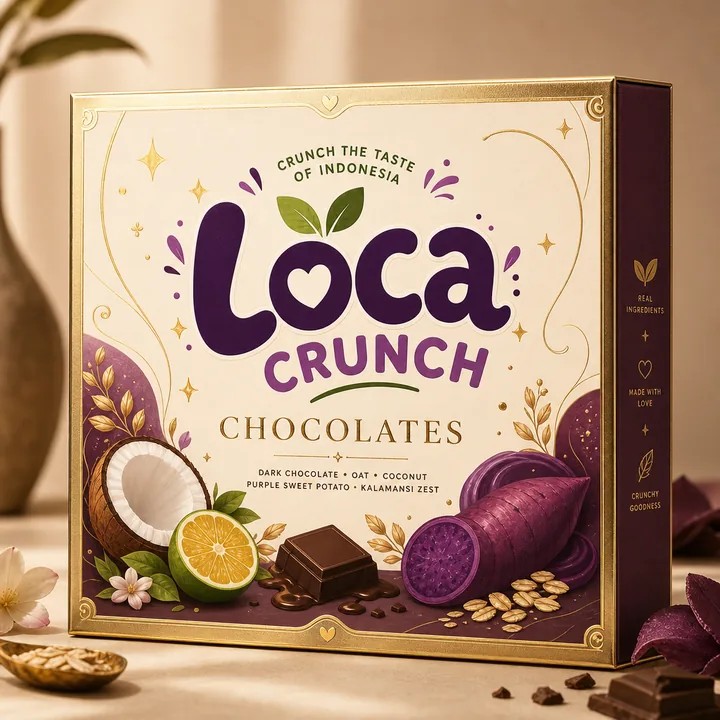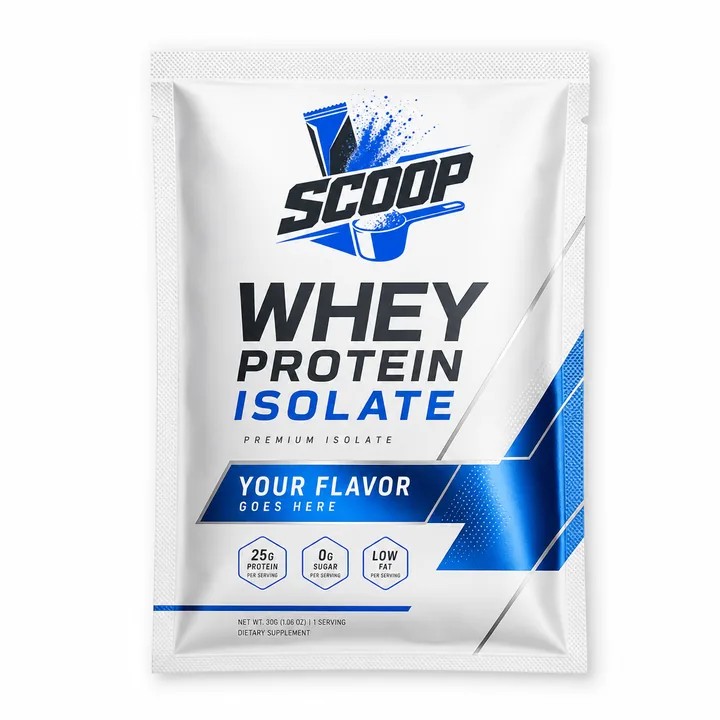
Start with a product you know
A useful packaging tool should help you answer a real question: does the label fit, does the carton fold the way you expect, and can you show the idea clearly? CraftyWand is a free alternative to Pacdora for that core packaging workflow. Start with one existing product and its actual artwork. A familiar example makes it easier to notice what works and what needs another pass.
Build the first version in your browser
Choose a mockup that represents the product or a supported dieline structure. Check the available size controls before spending time on artwork. Apply your design, inspect the result in 3D, and save it through a free CraftyWand account. Fixed visual mockups and adjustable structures serve different purposes, so choose the model around the question you need to answer.
Compare the work, step by step
If you are comparing CraftyWand with Pacdora, use the same source artwork and intended dimensions. Check panel orientation, seams, folds and small type. Save a version, return to it, and test the export you need. This gives you a practical comparison of the workflow instead of a judgement based on two unrelated promotional images.
Make the review useful to someone else
Export a supported preview and present it with a short note: the product, the proposed structure and the decision you need. Ask specific questions about hierarchy, variant recognition or panel placement. A beautiful image without a clear question can slow the work down. Keep one approved version before exploring alternatives so that the discussion has a stable reference.
Finish against the supplier's specification
Before production, compare the artwork and output with the supplier's approved dieline and file requirements. Confirm dimensions, board or film, finishes, bleed and colour handling directly with them. A 3D preview supports design decisions; a physical sample checks the object. CraftyWand gives you a free place to develop and retain the visual work leading up to that handoff.
Put the idea to work.
Choose a model, bring your own artwork and start building in CraftyWand.
Open CraftyWand free ↗Useful starting points
CraftyWand: current tools and free account access · Dieline library · Pacdora: current plans and features