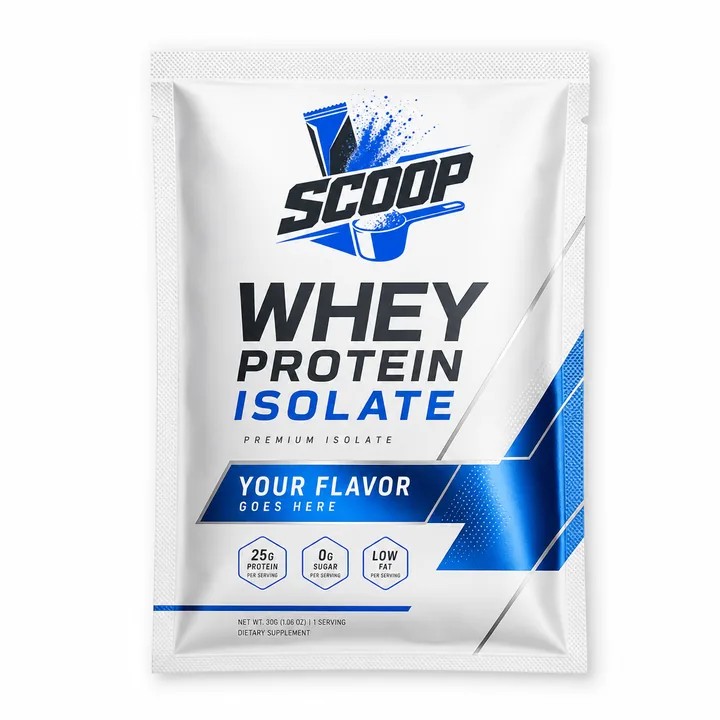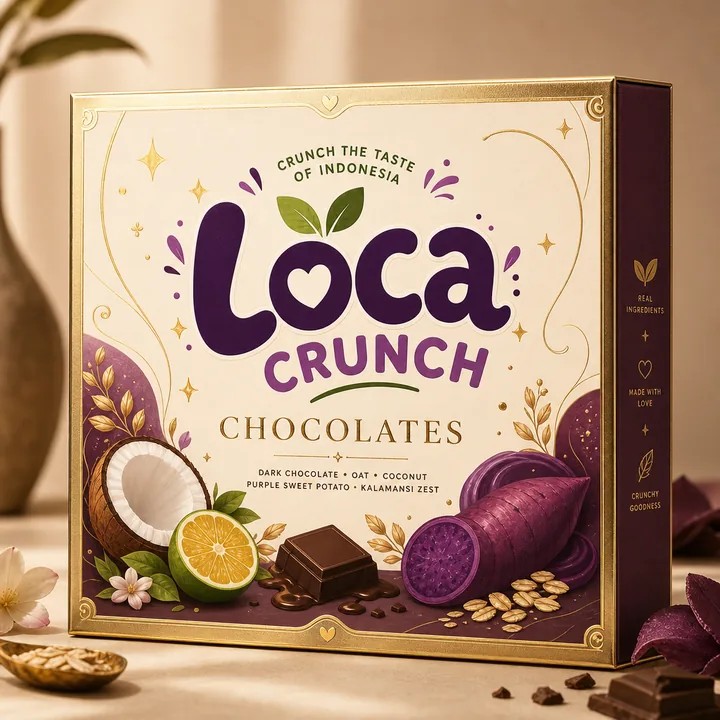
Read the front at catalogue size
Reduce a mockup until it resembles a product card on a phone. Can you still identify the product type and variant? If the answer depends on reading a paragraph, simplify the front. Keep the brand recognisable, give the product name enough space and let supporting details move to a secondary panel. Use a real export for this check rather than judging a zoomed-in design canvas.
Separate retail and transit jobs
The package that presents the product may need a separate shipping box or protective insert. Plan these as related but different objects. The retail carton carries the identity; the shipping system handles movement, compression and handling. Ask suppliers to advise on the construction and test the complete packed product. A mockup can communicate the visual direction, but it cannot establish shipping performance.
Show information in a useful order
Give the first catalogue image a clear product view. Use later images to explain the back panel, scale, variant or set contents. Keep the visual size and camera approach consistent across the range so that differences between products are easy to understand. Do not imply that accessories, a larger quantity or an additional box are included when the customer will not receive them.
Review the unboxing sequence
List what the customer sees first, what they open next and what they need to keep. Put instructions where they will be found at the right moment. Avoid adding extra cards and layers without a purpose. Prototype the sequence with simple paper before committing to a complex structure. Then use your packaging design project to refine the panels that matter most.
Keep the listing and the package aligned
Check that the product name, variant wording and visual identity match between the listing and the packaging. Make a small checklist for every new size or flavour. CraftyWand can help you maintain a saved visual project for each version and export previews for review. Compare the final manufactured pack with the listing images before publishing the finished product presentation.
Put the idea to work.
Choose a model, bring your own artwork and start building in CraftyWand.
Open CraftyWand free ↗Useful starting points
CraftyWand: current tools and free account access · Dieline library · Pacdora: current plans and features