Choose what stays in place
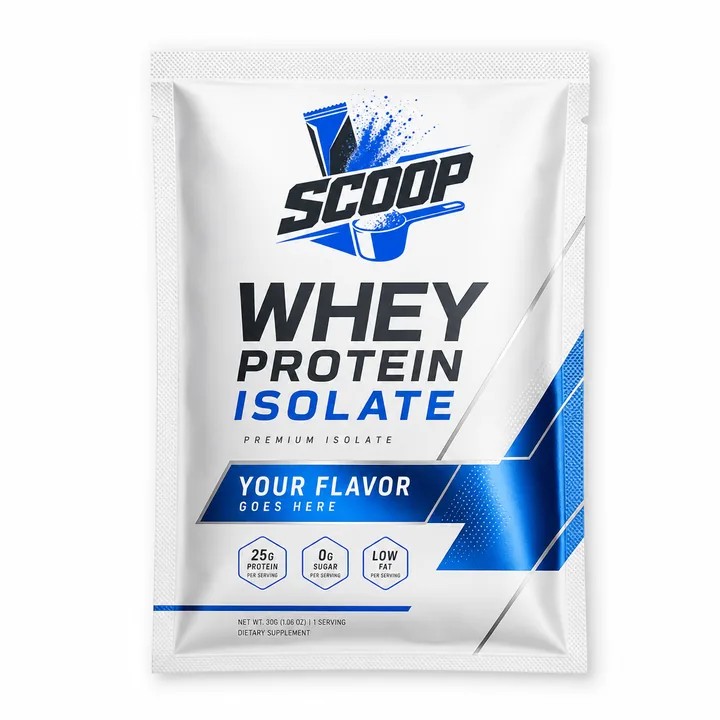
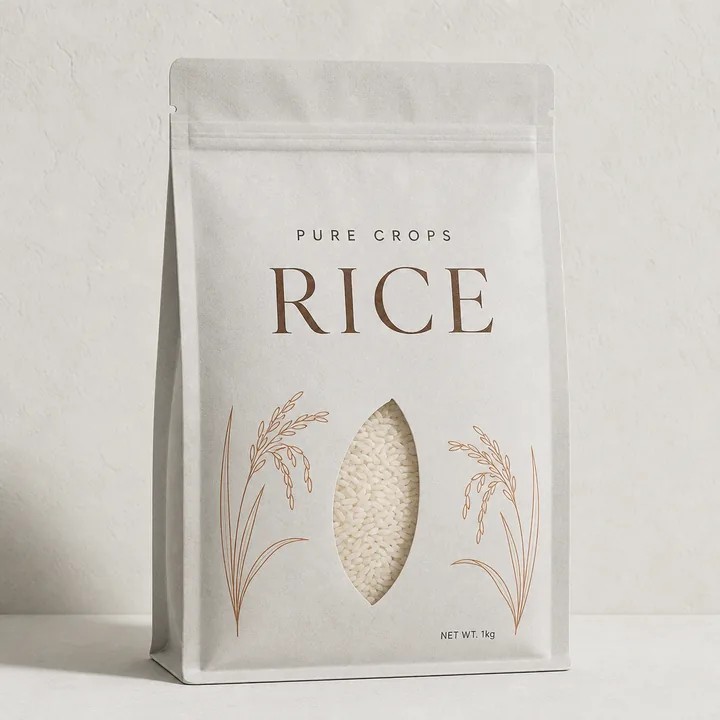
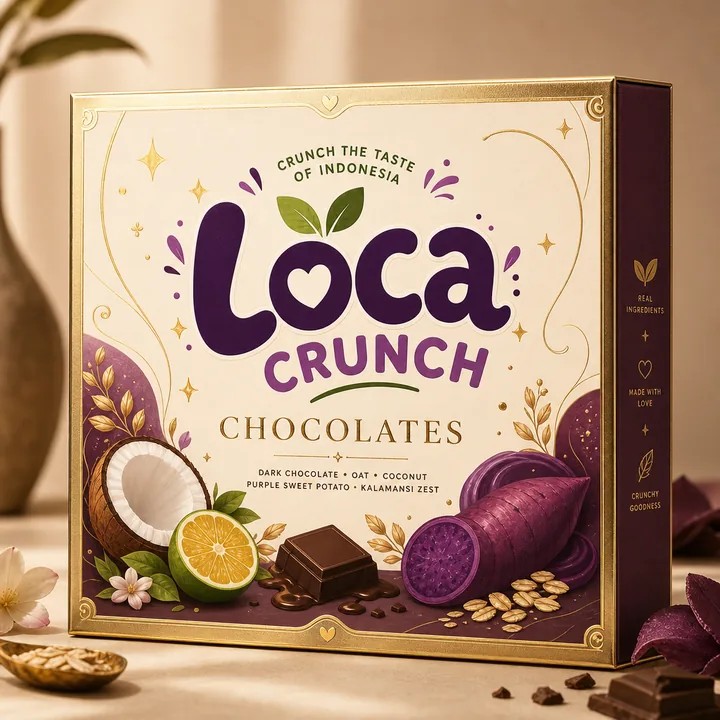
Identify the elements that should remain consistent: the brand area, product naming pattern, information hierarchy and key panel margins. These provide the structure of the range. They do not need to occupy every surface, but they should make the products feel related at a glance. Sketch several packs together before refining one favourite in isolation.
Choose what changes deliberately
Assign a clear role to the elements that vary. Colour might identify flavour, an illustration might describe an ingredient, and a size label might distinguish formats. Keep the variant name readable rather than expecting customers to decode colour alone. Document the rule so the next product can join the range without an entirely new visual language.
Test the difficult variant first
The longest name, smallest pack or busiest information panel will expose weak rules quickly. Put that case into the system early. If it forces the logo to shrink or the text to cross a fold, adjust the structure before creating every other version. A slightly less dramatic layout that works across the range is often easier to maintain.
Review the family in 3D
Build representative versions in CraftyWand and inspect how the artwork turns around the package. Check whether the brand remains recognisable when the pack is angled and whether the side panels follow the same system. Save each project with a clear name and use supported exports to assemble a simple range review. Compare scale consistently so that layout differences are easy to spot.
Leave a usable handoff
Write down the type hierarchy, colour roles, panel rules and naming convention. Keep approved source artwork beside the correct structural specification. When a new product arrives, start from the documented decisions and check the exceptions. A packaging system earns its value when another person can extend it confidently without having to guess why the earlier designs look the way they do.
Put the idea to work.
Choose a model, bring your own artwork and start building in CraftyWand.
Open CraftyWand free ↗Useful starting points
CraftyWand: current tools and free account access · Dieline library · Pacdora: current plans and features